Digital Accessibility Portal now available
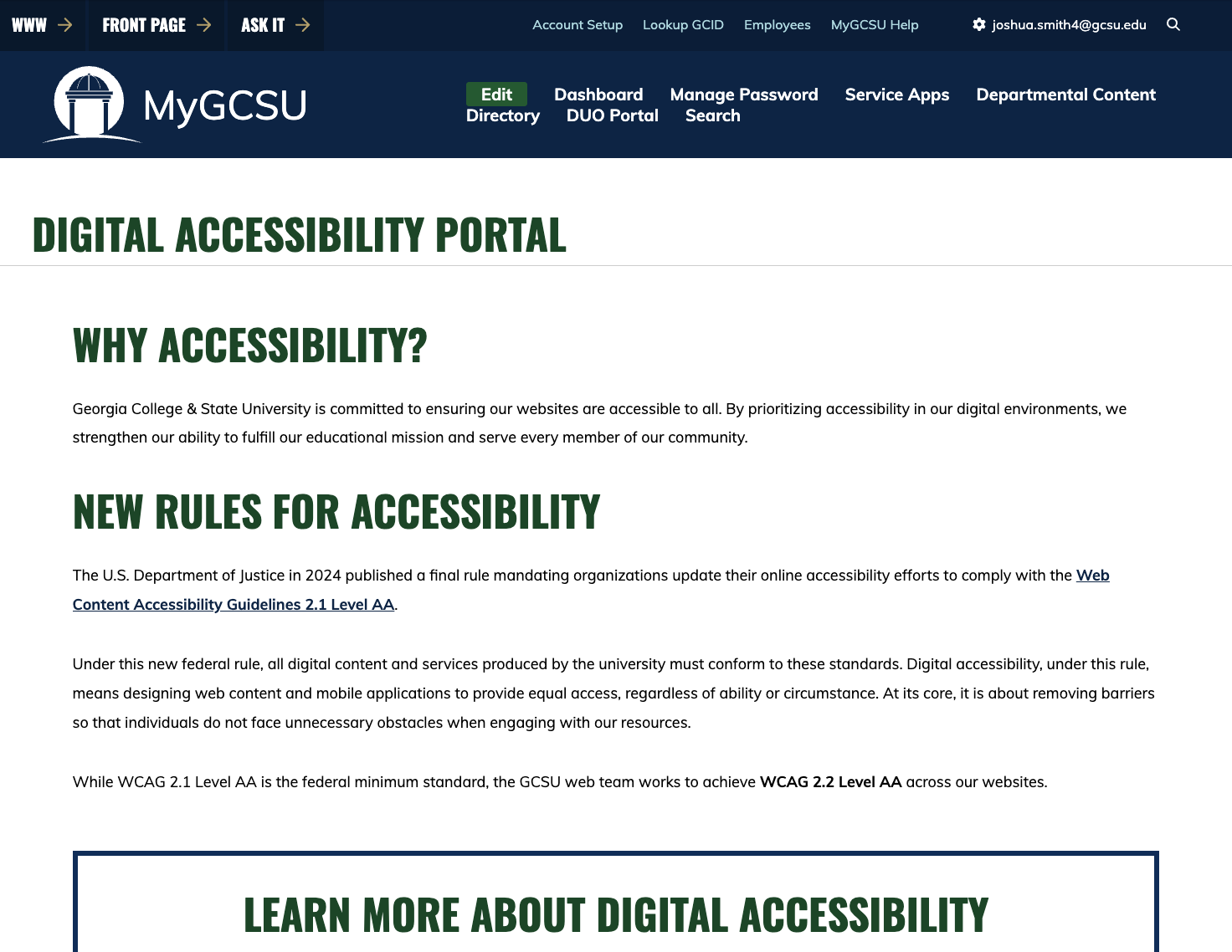
Digital Accessibility Portal now available
As part of Georgia College & State University’s ongoing efforts to meet the U.S. Department of Justice’s updated digital accessibility requirements, the GCSU web team (comprised of University Communications and Information Technology personnel) has launched a Digital Accessibility Portal.
This portal supports web content managers and other digital content creators by providing guidance, tools, and accessibility resources, including:
- A breakdown of the U.S. Department of Justice mandate
- Links to the Web Content Accessibility Guidelines
- General information and best practices you can take to ensure web content, documents, social media, and audio and video content are accessible for all.
Here is how you can access the Digital Accessibility Portal.
- Method 1: Visit my.gcsu.edu/dap.
- Method 2: Login to My GCSU and click on departmental content in the top bar menu. From there, you can search for the Digital Accessibility Portal.
- Method 3: Create a Digital Accessibility Service App tile on your homepage. Visit our Personal Settings page for more information.
Have questions? We are here to help.
- General digital accessibility questions: accessibility@gcsu.edu
- gcsu.edu, my.gcsu.edu, Front Page content/technical questions: webstrategy@gcsu.edu
- Online course accessibility questions: ctl@gcsu.edu
- Specific social media content/technical questions: socialmedia@gcsu.edu
Updated: 2026-04-17