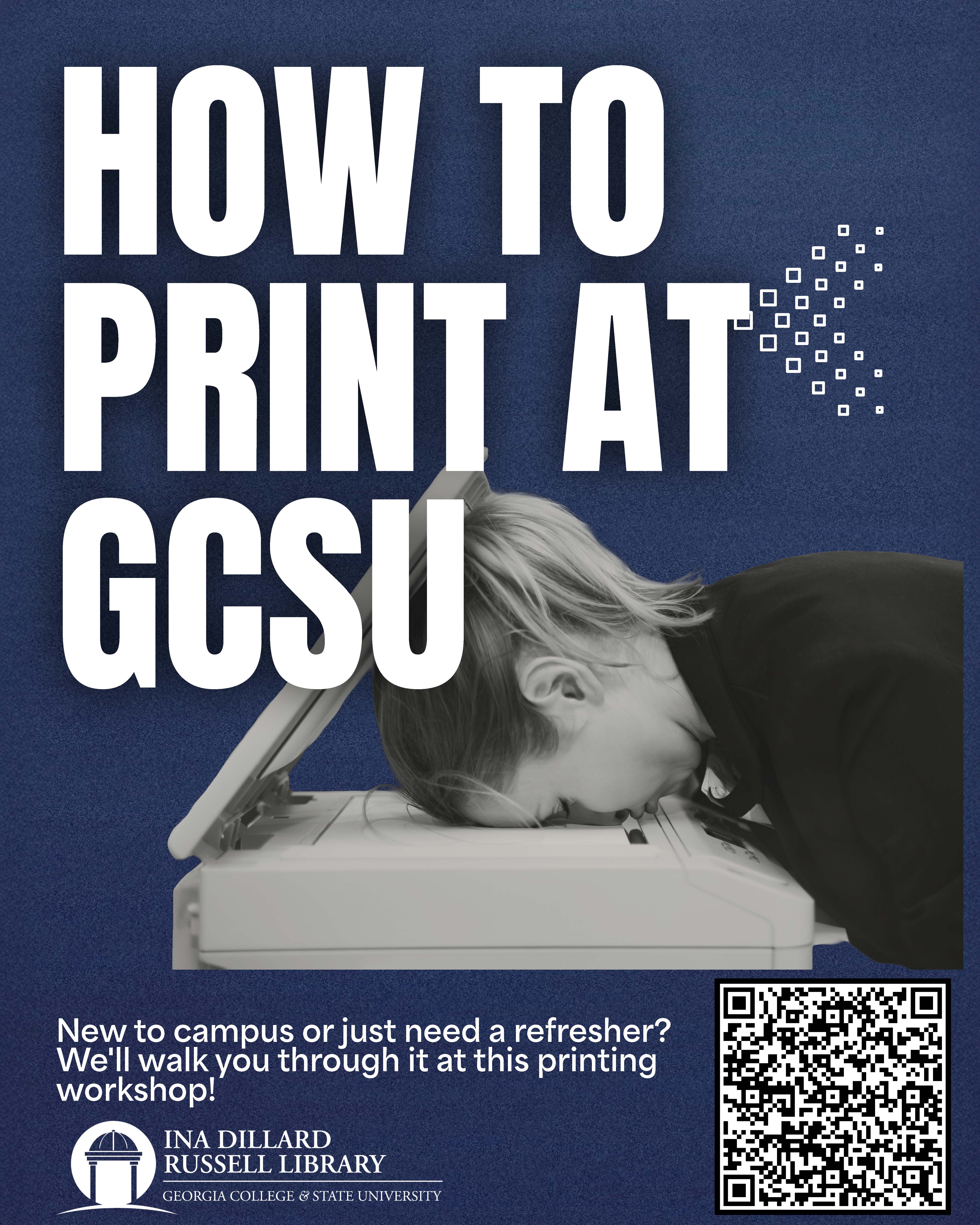
How to Print at the Library workshop
How to Print at the Library workshop
New to campus printing or need a refresher? This workshop walks you through how to print using the university’s printing system, from sending jobs to a printer to releasing and troubleshooting prints. Hosted by the library, the session is open to all and designed to save you time, reduce frustration and help you confidently use campus resources.
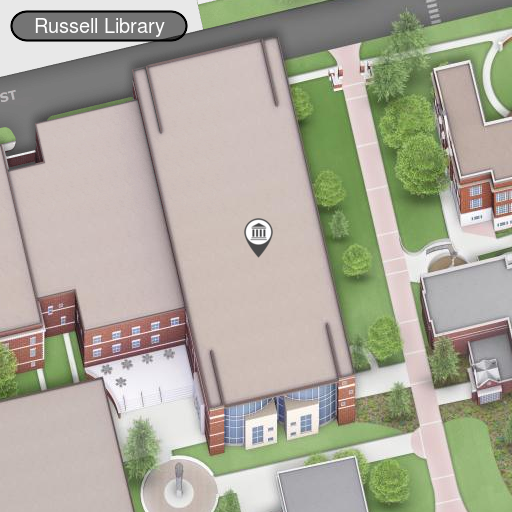
The Russell Library is hosting its How to Print workshop on Feb. 24 at 6 pm. in the Open Forum area.
Discover how-to:
- Use a visitor card if you're a community patron or lost/forgot your Bobcat Card.
- Print via the library's computers, email-to-print or on the web using My Print Center.
- How to reload your Cat Cash to pay for prints.
- Scan using your phone, then print out your documents. *We no longer have public copiers.
- How to make multiple copies without a copier.
- Common issues:
- Print requests not showing up.
- Account shows zero or insufficient funds.
- It just printed my email page, and not my document.
- Logging into My Print Center shows "Unsupported Card Type" or swiping at the printer shows jargon.
Please RSVP. Have a question? Contact Elizabeth Hobbs at elizabeth.hobbs@gcsu.edu.
Updated: 2026-02-10
Tue,
Feb
24,
2026
6:00
P.M.
-
7:00
P.M.
Tanya Darden
tanya.darden@gcsu.edu
(478) 445-4965
Ina Dillard Russell Library